Designed for
DETAIL
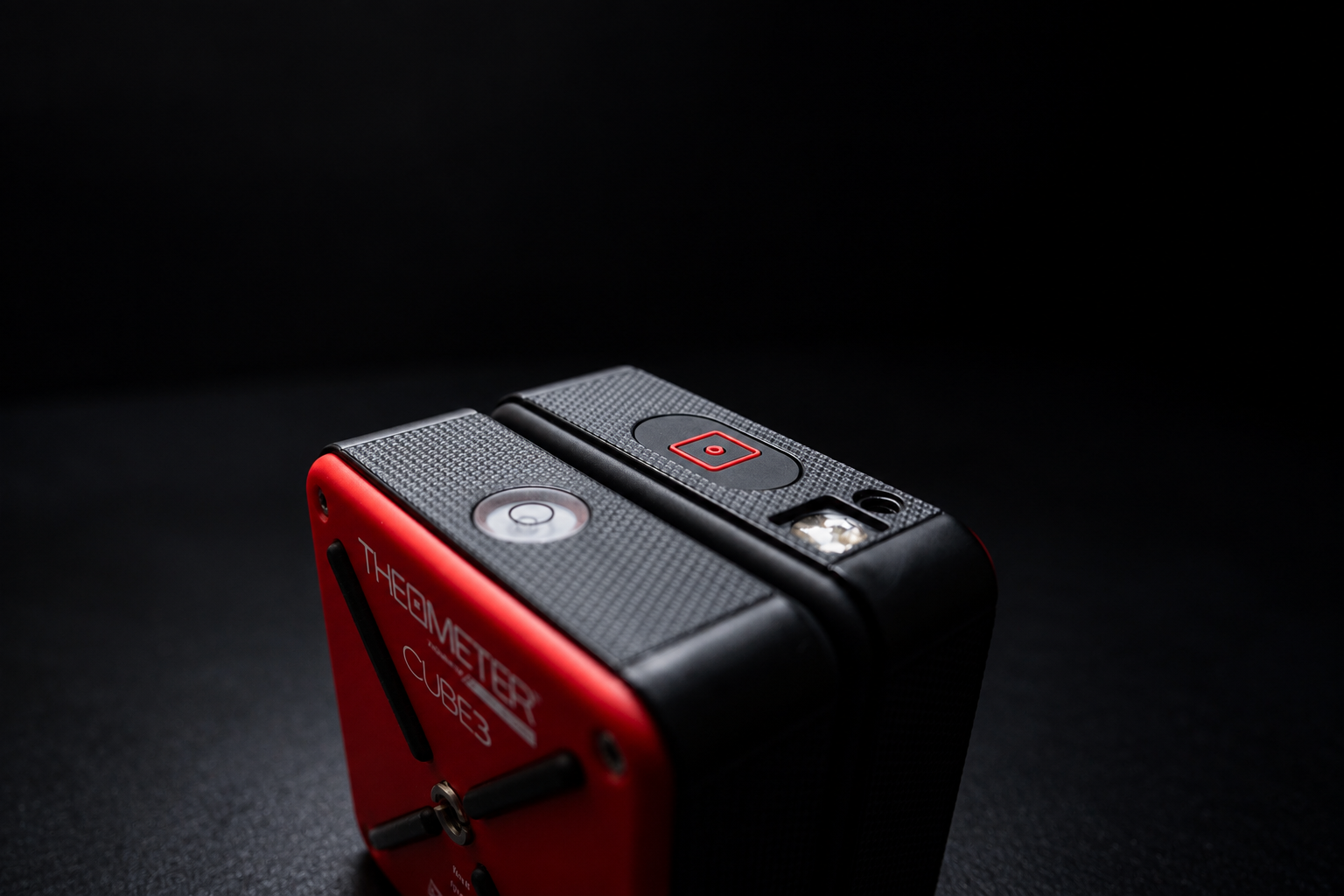
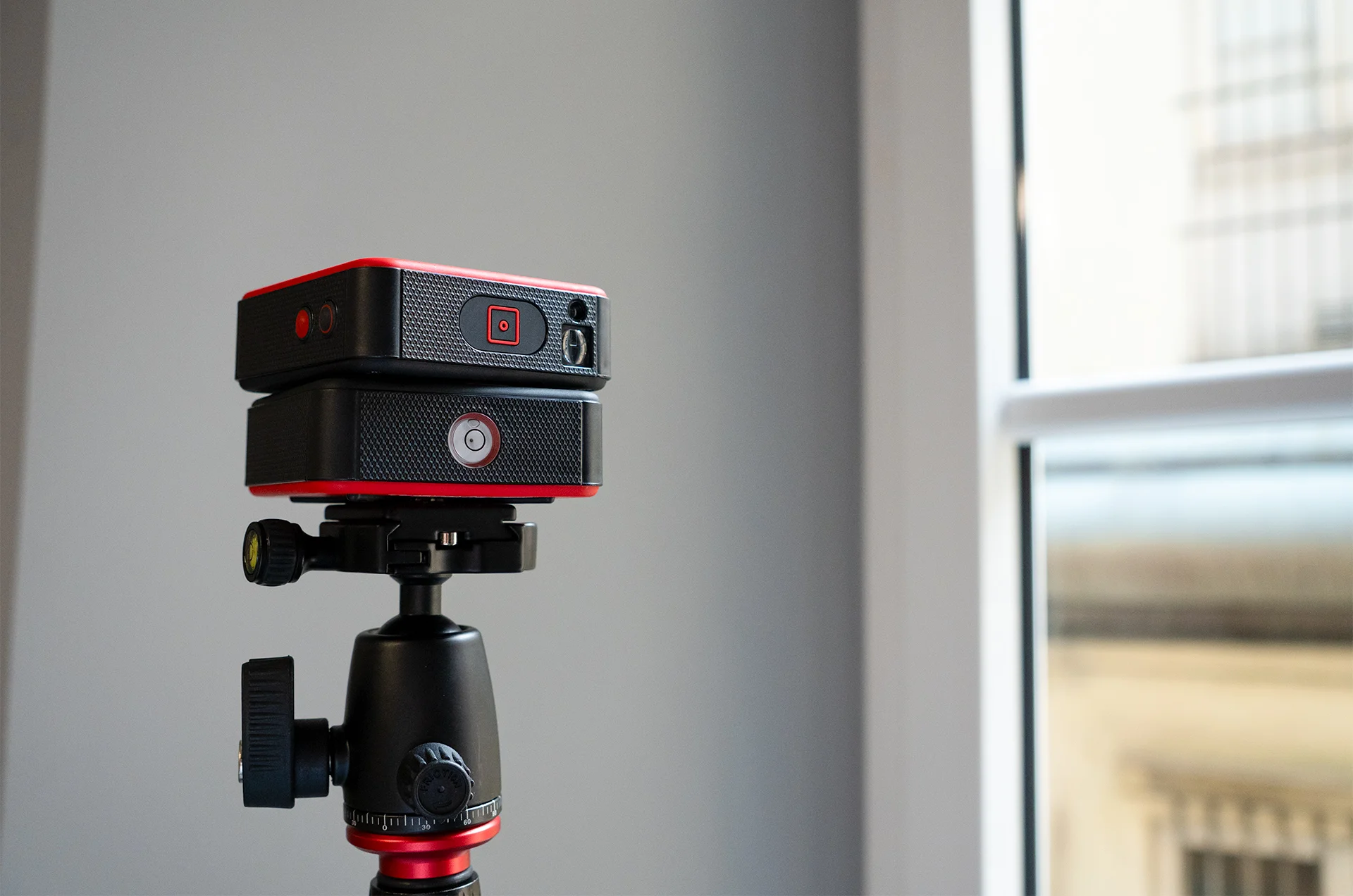
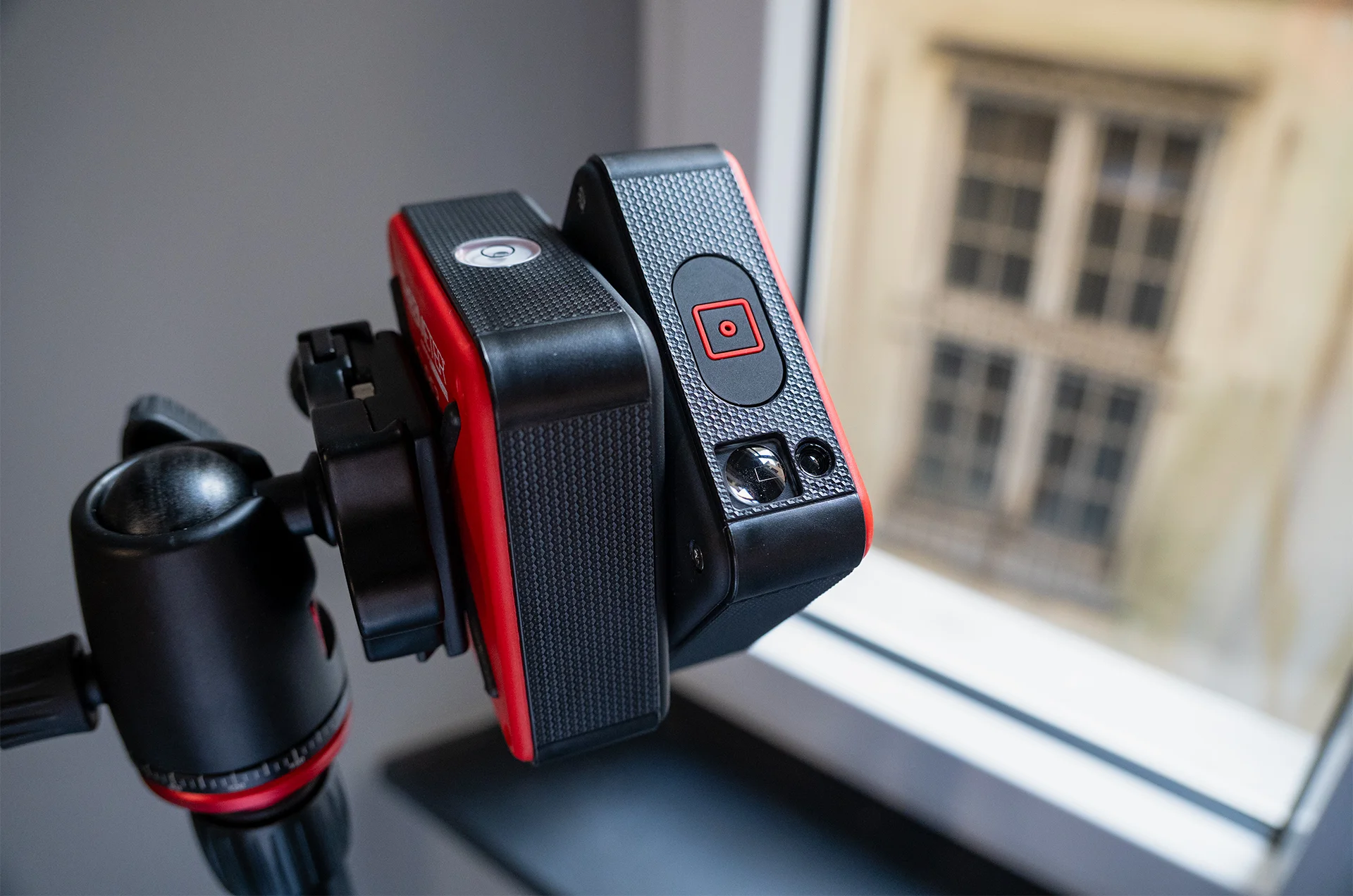
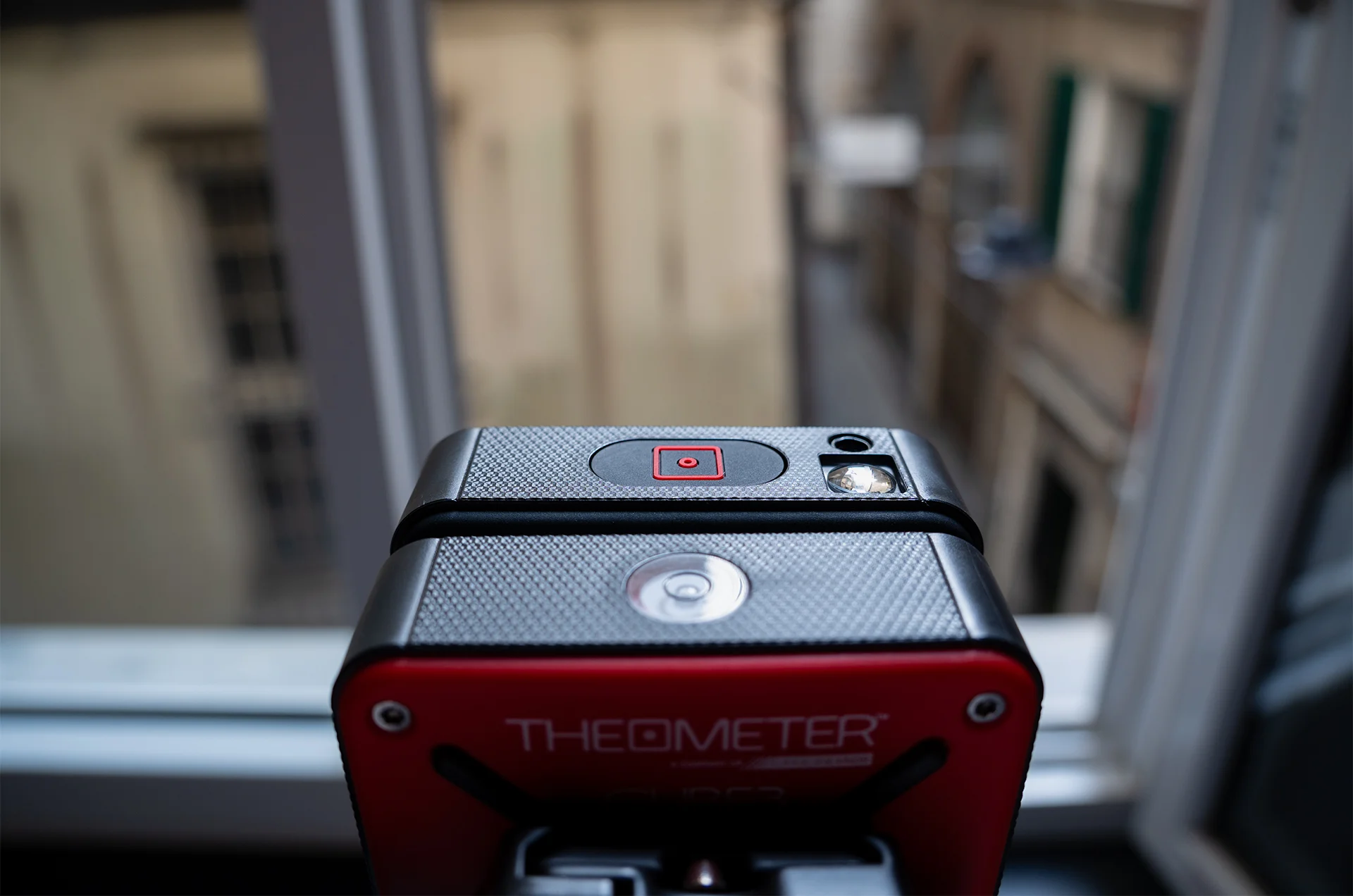
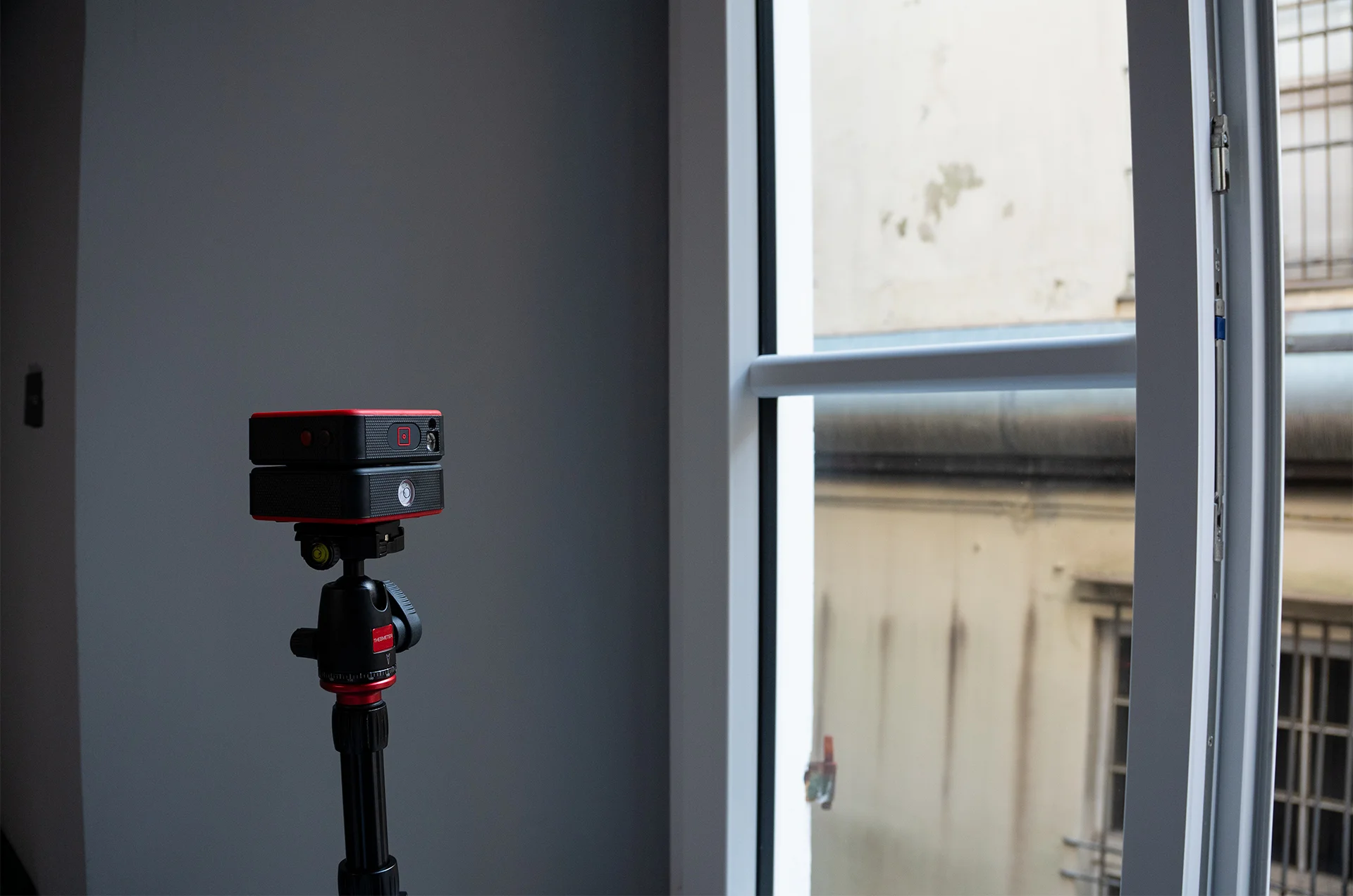
Thanks to the integrated encoder, CUBE3eLT it is moved directly by hand to acquire only the strictly necessary points with millimetric precision. It is the ideal 2D laser scanner for digital templates, windows and doors, custom furniture, kitchens, and architectural details.
CHOOSE WHAT TO MEASURE, POINT BY POINT
CUBE3eLT allows you to manually acquire the necessary points or to detect the entire geometry in automatic mode. The result is immediately visible in the app and exportable in DXF.
SAVE TIME STARTING FROM THE SURVEY
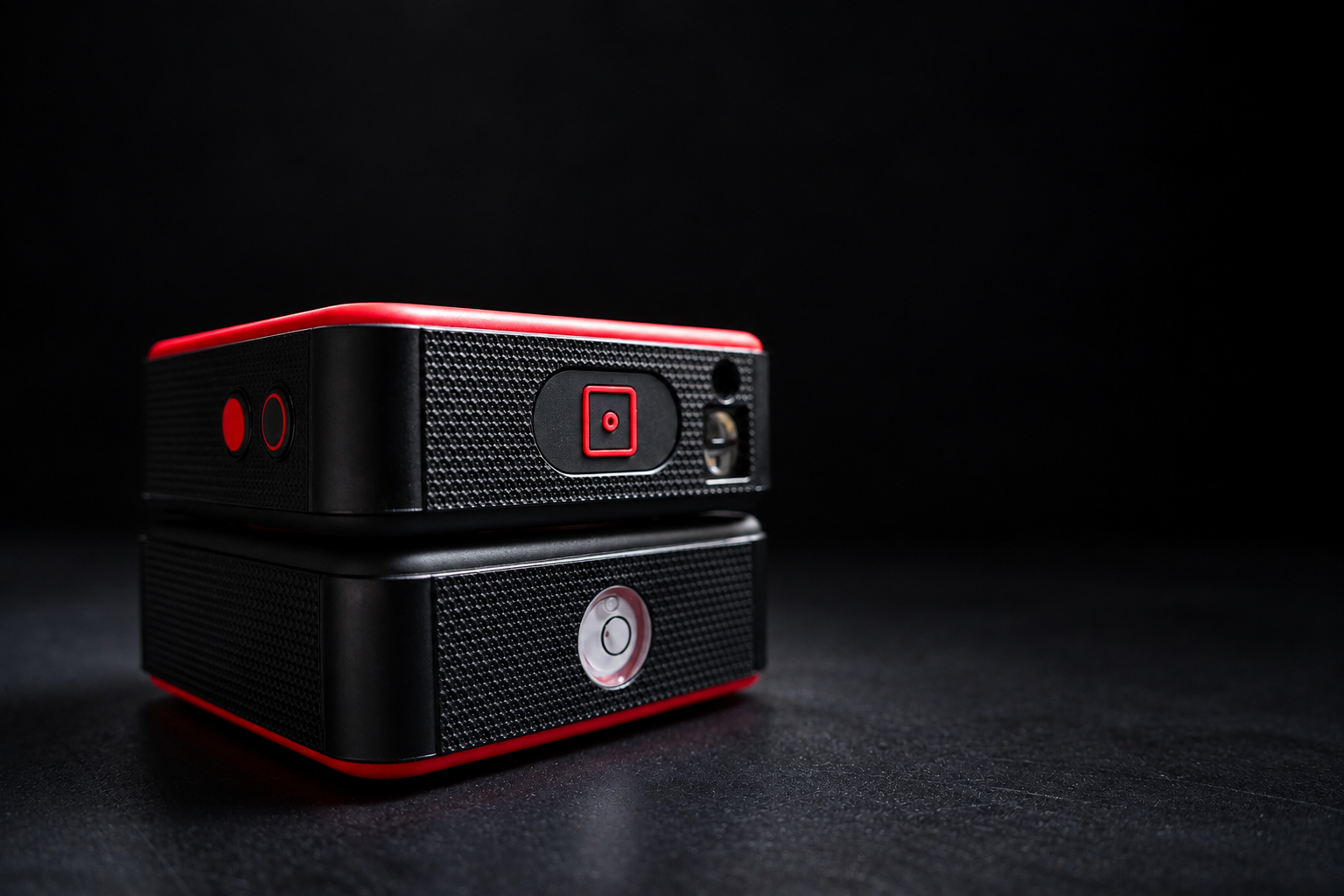
Automatic scanning speed is not the priority for CUBE3eLT. Its main feature is the manual function, which allows you to choose and acquire only the necessary points, reducing the data to be processed and saving time in post-production.
ESSENTIAL IN PRICE AS WELL
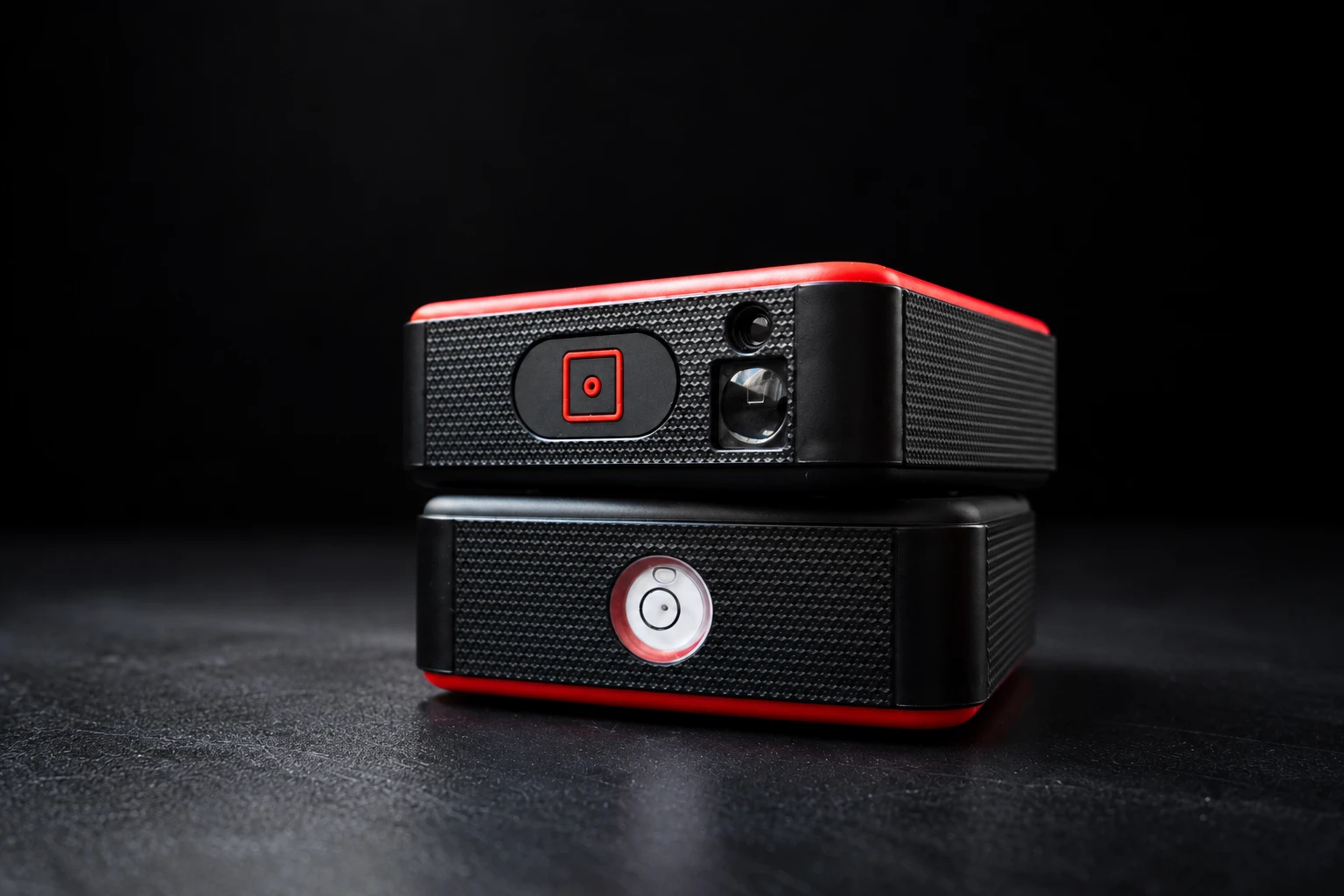
The most accessible model in the range, designed for carpenters, window and door installers, kitchen fitters, interior designers, and custom furniture professionals looking for millimetric precision and a simple, essential workflow.
Automatic mode
Position the device, connect it via Bluetooth to your smartphone or tablet, and start the scan: it will analyze the space, generating a detailed floor plan. Carefully set the sampling density: a high value increases the survey detail but slows down the scan.
Scan details: LASER sensor – points detected 457 / 1066 / 1600 – area 1.2 m – scan time 4 minutes
Classic manual mode
With Classic Manual mode you can directly choose the points to be surveyed and control the rotation of the CUBE head via the interface control pad. Ideal for creating polyline floor plans while avoiding clutter or unwanted elements in the final DXF file.
Scan details: LASER sensor – surface area 3.4 m – scan time 70 seconds
Encoder Manual Mode
With the Manual Encoder mode you can manually rotate the CUBE head while keeping the base of the instrument stationary. This way you detect only the points you are interested in, with direct and precise control while creating the plan.
Scan details: LASER sensor – surface area 3.4 m – scan time 60 seconds
Distance meter mode
You can use the instrument as a distance meter by activating the appropriate mode in the APP and pressing the side button on the device. Continuous mode, which updates measurements in real time on the smartphone or tablet screen, is also available.
Automatic mode
Position the device, connect it via Bluetooth to your smartphone or tablet, and start the scan: it will analyze the space, generating a detailed floor plan. Carefully set the sampling density: a high value increases the survey detail but slows down the scan.
Scan details: LASER sensor – surface area 3.4 m – scan time 60 seconds
Classic manual mode
With Classic Manual mode you can directly choose the points to be surveyed and control the rotation of the CUBE head via the interface control pad. Ideal for creating polyline floor plans while avoiding clutter or unwanted elements in the final DXF file.
Scan details: LASER sensor – surface area 3.4 m – scan time 70 seconds
Encoder Manual Mode
With the Manual Encoder mode you can manually rotate the CUBE head while keeping the base of the instrument stationary. This way you detect only the points you are interested in, with direct and precise control while creating the plan.
Scan details: LASER sensor – surface area 3.4 m – scan time 60 seconds
Distance meter mode
You can use the instrument as a distance meter by activating the appropriate mode in the APP and pressing the side button on the device. Continuous mode, which updates measurements in real time on the smartphone or tablet screen, is also available.
Compatible with all CAD design software


NEW FREE DEDICATED APP
With the new app, surveying becomes even easier: capture measurements and environments, view the result directly on the device, and export everything quickly to continue the work in CAD.
What it contains
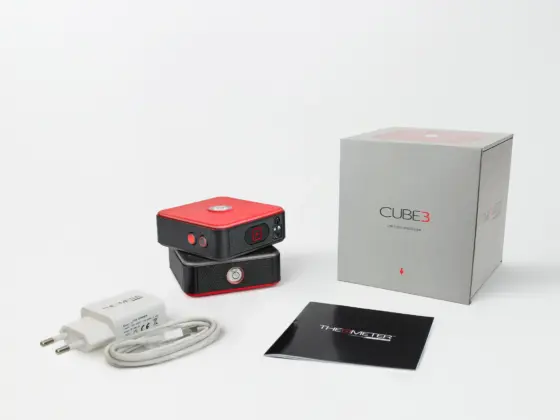
The package includes the charging kit to charge the device.
It is always recommended to use the supplied charger.